Web Weekly #196
Guten Tag! Guten Tag! 👋
Do you know what shipped in the new JavaScript version? Do you know about all the fancy anchor positioning features yet? And do you use CSS zoom?
Turn on the Web Weekly tune and find some answers below. Enjoy!
Web Weekly Jukebox
Connor Price & Nic D - Too Easy

It's been on repeat in my playlist for the past two weeks since I watched an Android Gemini Intelligence ad... :D
Do you want to share your favorite song with the Web Weekly community? Hit reply; there are five more songs left in the queue.
If you enjoy Web Weekly, share it with your friends and family.
A quick "repost" really helps this indie newsletter out. Thank you! ❤️
Full-Featured React Event Calendar
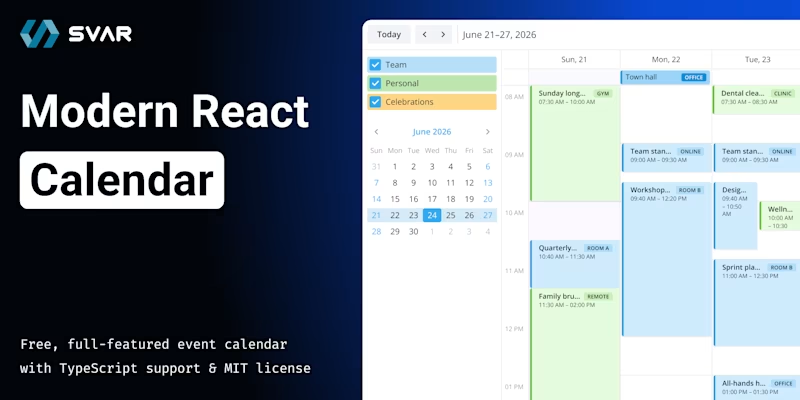
SVAR React Calendar brings Google Calendar-style scheduling to your React app — multiple views, drag-and-drop event editing, and a built-in edit form for creating and updating events. Events are easily organized into color-coded calendar groups.
It's built natively in React, with no wrappers or adapters, and includes TypeScript support, easy backend integration, light/dark themes, free core + PRO with timeline, agenda, and resources views.
Start building scheduling UIs in minutes.
Web Weekly is open for sponsorships. When you want to reach 6k developers, you know what to do!
Web Weekly Housekeeping
This week's bag of karma points goes to Chris, Spike, Dan, James, and Gerrit, who all started to support Web Weekly financially. This brings the supporter count to mind-boggling 53. After subtracting the cost of sending and hosting, Web Weekly makes now a bit under $150 per month.
Thank you all for supporting indie publishing. ❤️
Something that made me smile this week
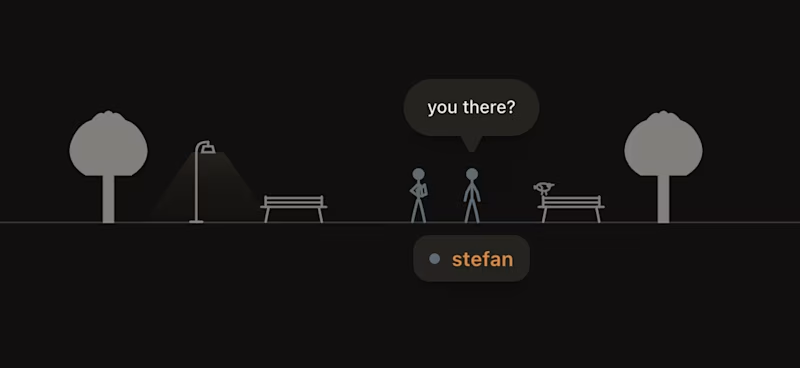
Aerospace engineer Cauê added a town square to his site (scroll to the bottom) and this brings back strong vibes of when the internet used to be fun. The project is open source if you want to have a place on your site for people to hang out.
No code
- How to ask for help from people who don't know you → "One of the strongest ways to show that you’re worth helping is to demonstrate that you are a serious person."
- Goodbye, forever, probably. → "People aren’t seeking information in the ways we once knew; The Internet and its communities have fragmented."
- Memories Can’t Wait—or, How I Learned to Keep Worrying About the Web → "We need to stop pretending that “the cloud” is a place. It’s not a place. It’s a promise"
Anchor positioning
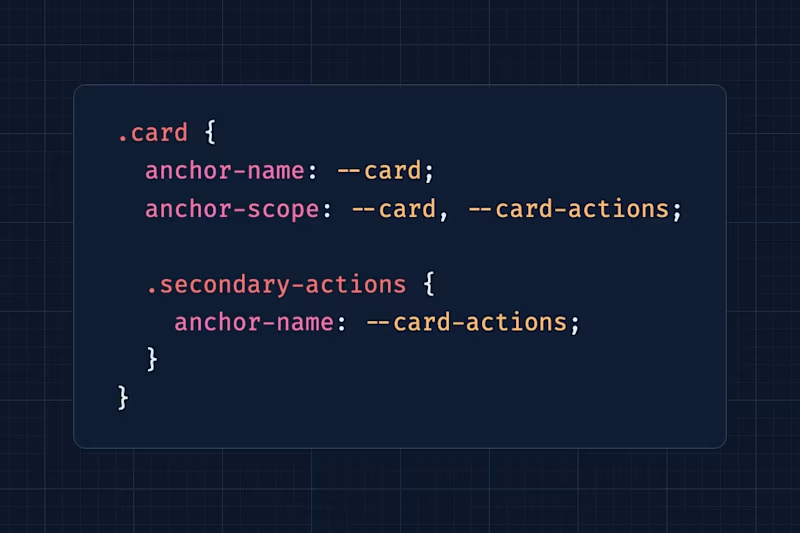
I'm still wondering about anchor positioning (baseline newly available) use cases beyond the tooltip example. Emil explains how multiple anchors help out with creating clickable card overlays. Fancy stuff!
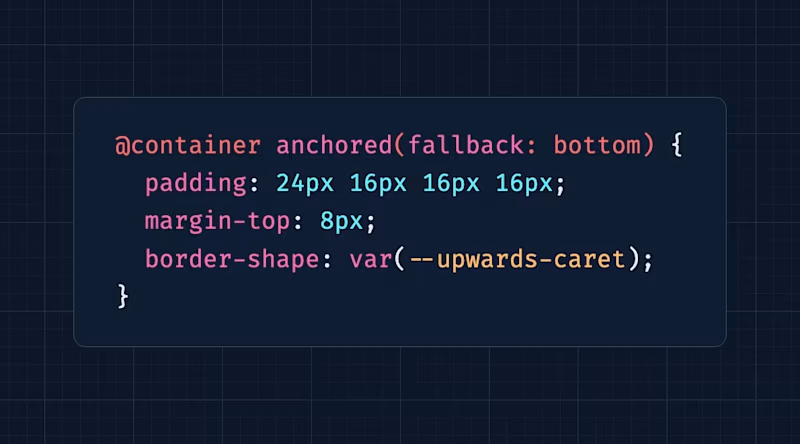
And if that's not enough anchoring, Josh explains how to get started with anchor positioning. But don't be fooled, the post gets into advanced topics like the anchored container query and position-try-fallbacks quickly.
Inaccessible grid lanes
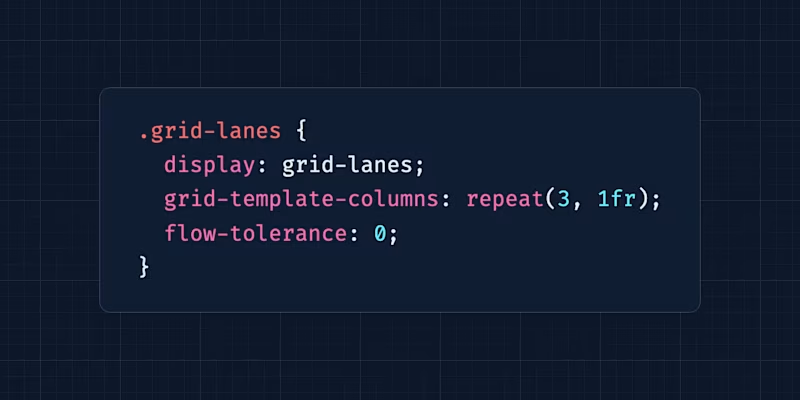
Safari shipped display: grid-lanes. Chromium's working on it. But what does it mean for accessibility when grid items are free-flowing and reordering themselves? Can an adjusted flow-tolerance help? Manuel asks the same questions and cautiously proposes a very interesting solution.
The color-scheme and prefers-color-scheme disconnect
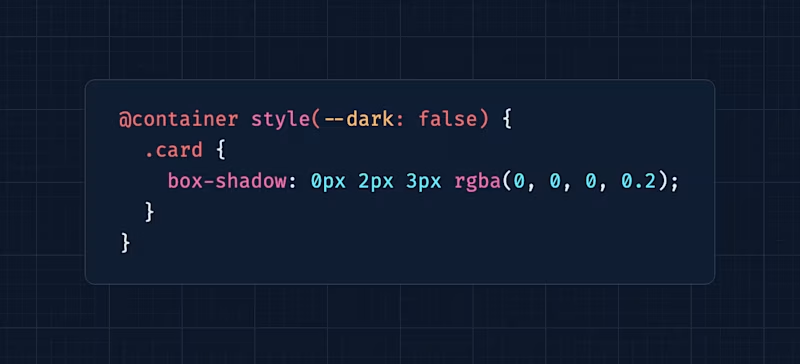
Ollie described a fact that tripped me up big time:
There’s an unfortunate disconnect between color-scheme and the prefers-color-scheme media query. prefers-color-scheme reflects the OS settings — regardless of the color-scheme value. If you’re providing an in-page toggle that implements dark mode, you can’t adopt the prefers-color-scheme media query.
So what do you do about it? The post has some web platform answers.
Linked CSS params 😱
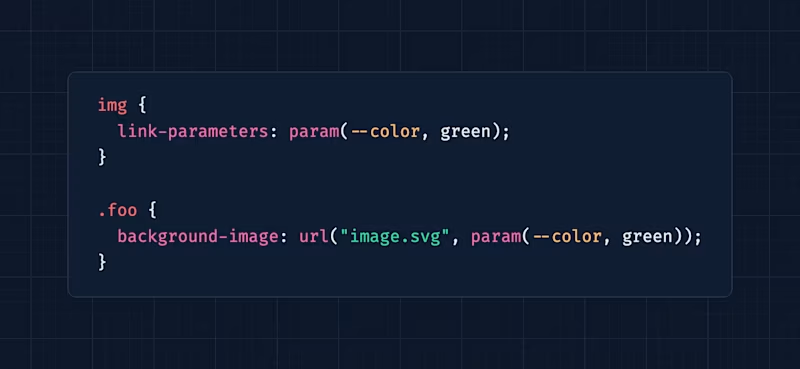
So! If you're dealing with SVG icons you probably know the pain of overwriting colors. Patrick listed missing SVG features and as it turns out there's a new spec in the making that allows controlling CSS variables from "the outside". And I didn't test it, but he says that it's shipping in Firefox already!
The wonderful weird web – Roland 50
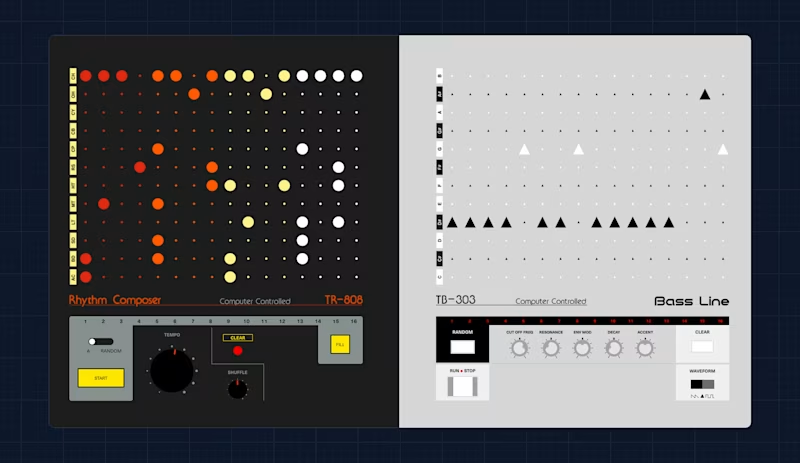
The music nerds will love this one!
Deno and Vercel invest in desktop apps?
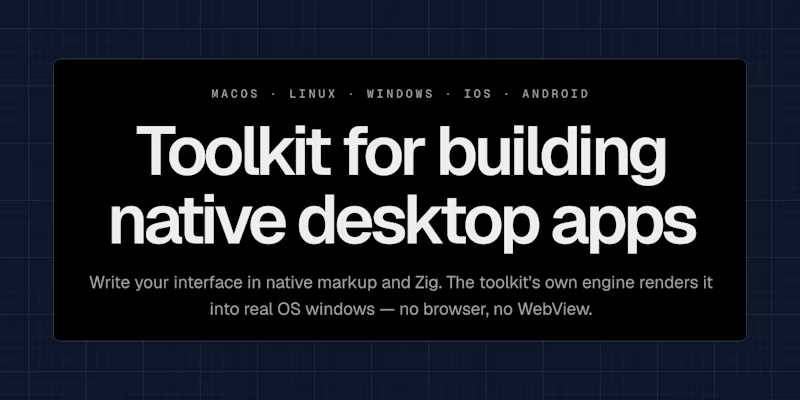
Honestly, I'm up for opinions here. The new Deno release now supports building desktop apps. When I saw this I was confused. Didn't Deno lay off people and isn't the money in providing hosting and infrastructure? Odd.
But then I also saw Vercel pushing for building Zig and web-based desktop apps with Native SDK?
Honestly, what is going on? Is this about market share? I don't get it.
Wiggly range sliders
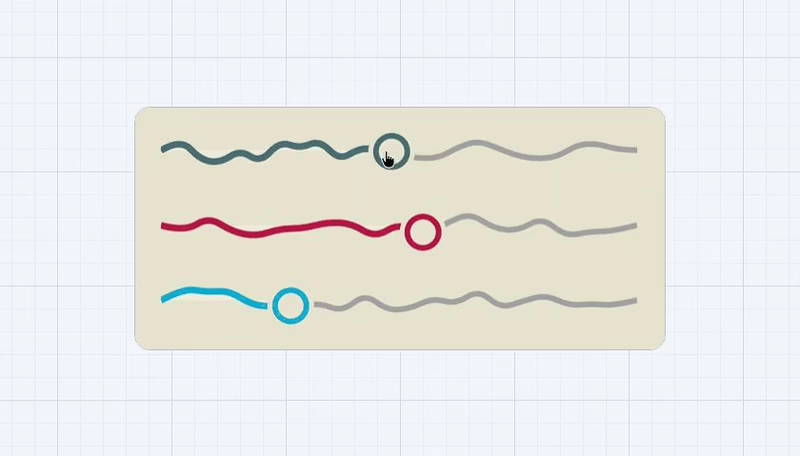
What you see above aren't canvas or SVG elements. These three range sliders are classical range inputs with some CSS magic. I've got no idea how Temani comes up with that stuff.
New things in ECMAScript
It's already a tradition and I'm happy to see that Paweł is still summarizing the new JavaScript features. Check out what's coming to JavaScript.
Riding the cutting edge of CSS
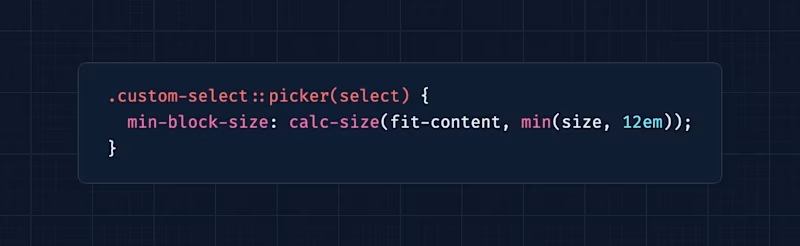
Jake went on a journey to "improve" the sizing behavior of customizable selects (Chromium-only so far) and oh boy... he goes into anchor positioning, stretch and fit-content, and calc-size. I'm sure you'll find more than one rabbit hole to dive into here.
Rapid fire
- TypeScript 7 is out. And yes, that's the Golang rewrite.
- The new
QUERYHTTP method moved fromdrafttoproposed standard. - Chrome ships a new
usermediaelement.
Random MDN – Cross-document view transitions
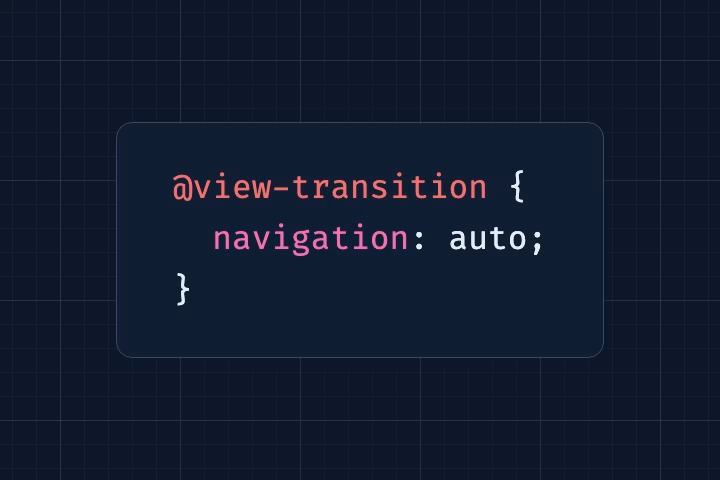
From the unlimited MDN knowledge archive...
Quick reminder, cross-document view transitions can be enabled with a few lines of CSS. Safari and Chromium ship them, so you can add some polish to your static sites. No harm done for Firefox users.
TIL recap – zoom
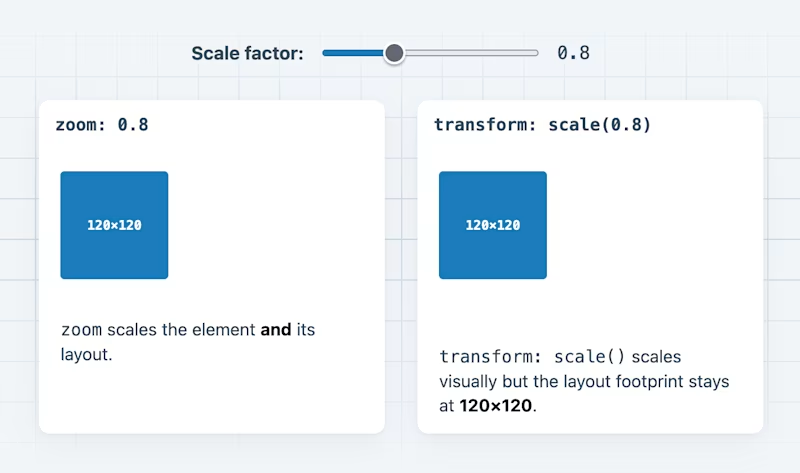
A while ago I learned about valid use cases for the CSS zoom property. zoom? Yes, exactly. 😅
Find more short web development learnings in my "Today I learned" section.
Automatic baseline updates
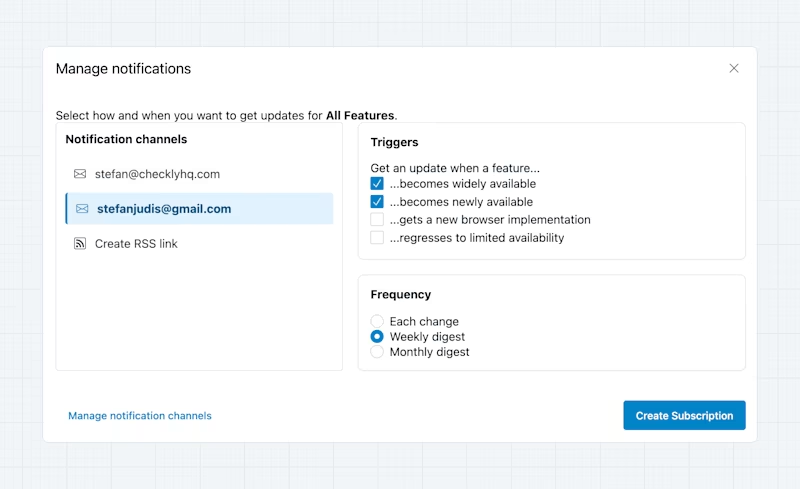
I've got my own tooling for checking baseline updates, but if the Web Weekly updates aren't enough, webstatus.dev now lets you set up baseline notifications.
Classifieds & friends
My buddy Orçun is building AutoShelf and you should check it out if you want automated file organization.
Three valuable projects to have a look at
- ashleydavis/photosphere – A cross-platform application for managing your database of digital media files
- duongductrong/Snapzy – An open-source native macOS screenshot and screen recording app.
- charmbracelet/glow – Render markdown on the CLI.
A new Tiny Helper
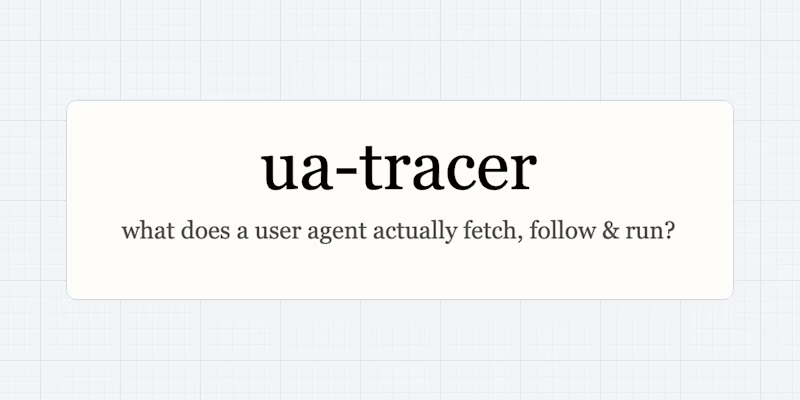
If you've ever wondered what specific analyzer tools, user agents, or browsers execute when they crawl sites, ua-tracer helps out!
Side note: the last time I mentioned that I'm not really sure about Tiny Helper's future because frankly I'm drowning in vibe code submissions. Some of you replied telling me that you really like this section. So, what should I do with it?
For now, I closed contributions to the project and this section will become optional. I'm annoyed by this because I'm a big fan of consistency, but let's see how this plays out.
Thought of the week
This is a take I can get very much behind.
In an ideal world, the only AI-generated content I want to consume is the one I request myself.
Did you learn something from this issue?
❤️ If so, join 53 other Web Weekly supporters and give back with a small monthly donation on Patreon or GitHub Sponsors.
This is all, friends!
Loved this email? Hated this email? I want to hear about it!
If you think something needs improvement or something sparked some joy, reply to this email because I want to know more!
And with that, take care of yourself - mentally, physically, and emotionally.
I'll see you next week! 👋
Join 6.4k+ developers and