Web Weekly #198
Guten Tag! Guten Tag! 👋
Have you heard of the new Git history commands? Are you overwhelmed by Chrome's performance profiler? And do you use the inert attribute in your sites?
Turn on the Web Weekly tune and find some answers below. Enjoy!
Web Weekly Jukebox
Wet Leg — Tiny Desk Concert

I recently learned about the band Wet Leg when I saw them perform on NPR's Tiny Desk on YouTube. Their album moisturizer has been on repeat often since then.
Do you want to share your favorite song with the Web Weekly community? Hit reply; there are three more songs left in the queue.
I've been cleaning up some tabs the last couple of days and even though I'm no font person, here are some fonts that might come in handy in the future.
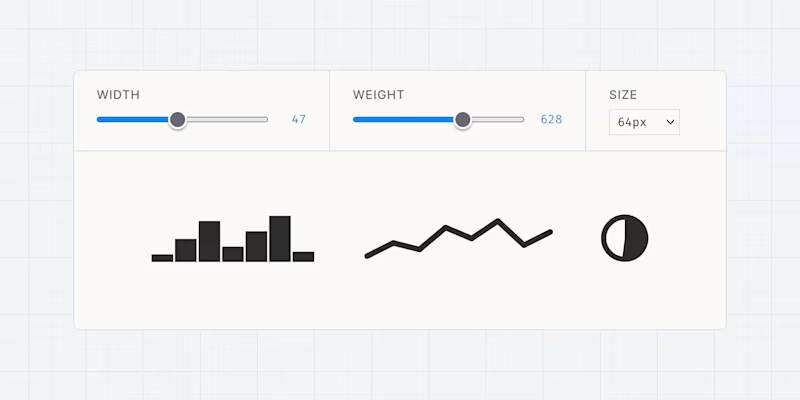
Datatype is a variable font that turns text into charts. 🤯 I've got no idea how this works technically, but it can definitely be useful for inline graphics or sparklines. Disclaimer: be aware of accessibility issues. You should probably go with a role="img" and span combination when using it.
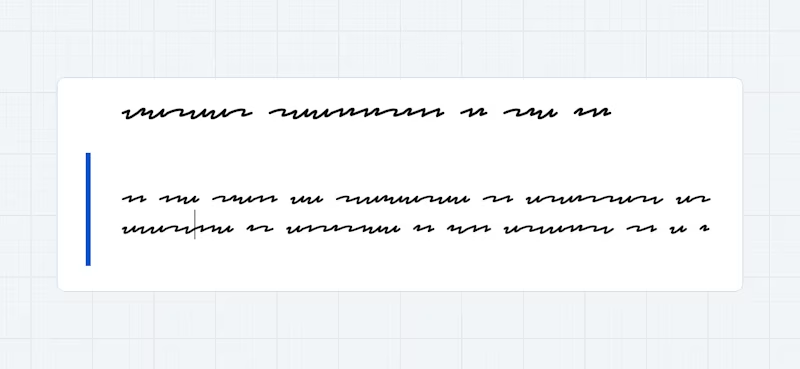
Redacted Script is a font that looks like hand-written placeholder text. I'd love to see a skeleton placeholder with it. 😅
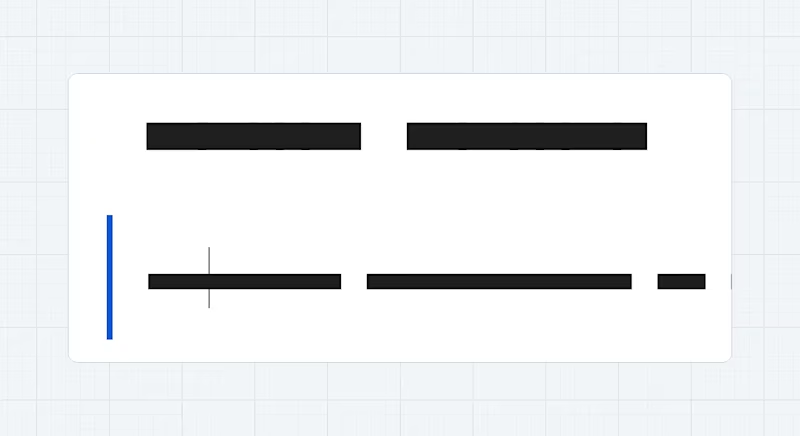
And if that's too fancy, Flow Block does the same but without the handwriting.
Maybe I should sit down one day to understand how all this font magic works...
If you enjoy Web Weekly, share it with your friends and family.
A quick "repost" really helps this indie newsletter out. Thank you! ❤️
Web Weekly Housekeeping
This week's summer bag of karma points goes to Nadja and Charles, who started to support Web Weekly financially. This brings the supporter count to the amazing number of 56.
After subtracting the cost of sending and hosting, Web Weekly now makes around $160 per month. Thank you all for supporting this newsletter! ❤️
If you enjoy Web Weekly, give back with a small monthly donation on Patreon or GitHub Sponsors. It really makes a difference in these hard times of AI slop and low-effort web creation.
Something that made me smile this week
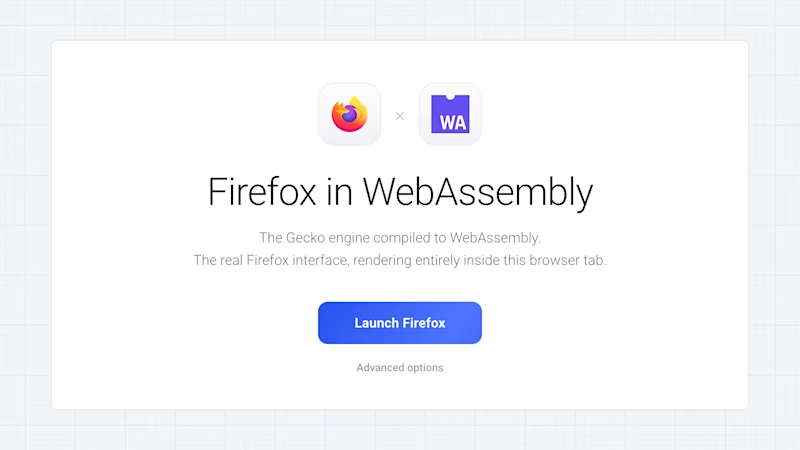
There's nothing to see here, it's just a browser running in your browser.
No code
- "The Last Technical Interview" → "Interviewing, it turns out, is a big game of darts. A “do I like you” dating round."
- "'Code was never the hard part' is an insult to all programmers'" → "Your role and your responsibilities will be changing. Be willing to invest time and energy into better understanding fields or roles adjacent to yours."
- "The Human-in-the-Loop is Tired" → "Yes the code (sorta) writes itself, but the human reviewing, directing, and course-correcting feels worse, not better."
The "No code" section turned out to be rather technical this week. 🫣 If you have good articles outside of the tech bubble, shoot them my way!
The experimental git history command
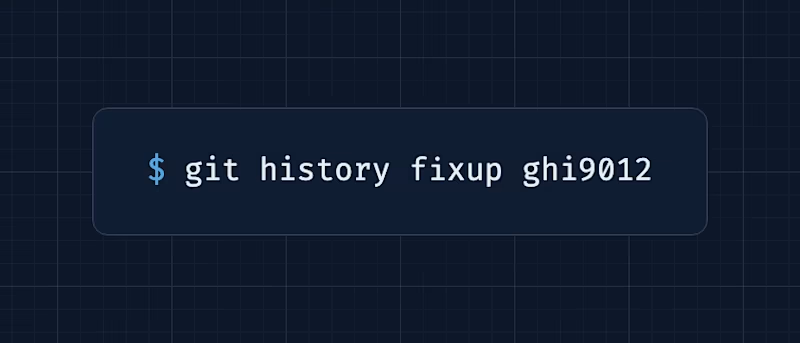
Git ships a new history command that makes it easier to change and fix commits. If you dislike interactive rebasing, you'll really like this one.
Element states in JavaScript and (!) CSS
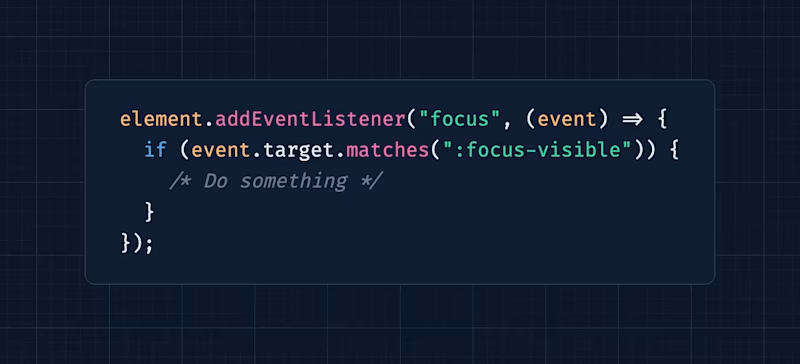
I really liked this one. Daniel put CSS states (:focus-visible, :popover-open, :fullscreen etc) next to possible JavaScript implementations. He also went into the fairly new event-trigger CSS props and that's some fancy stuff!
New in Edge: network efficiency guardrails
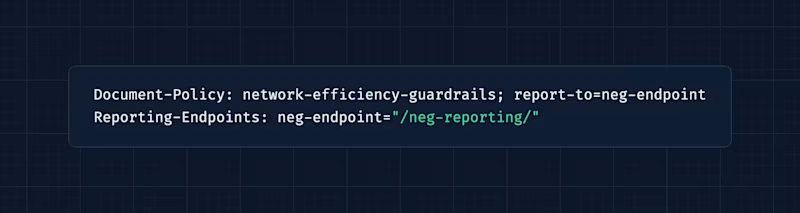
I dig this a lot! Edge now ships an experimental feature that warns you about and monitors network activity that isn't optimized, like uncompressed assets or large images.
Understand the performance profile
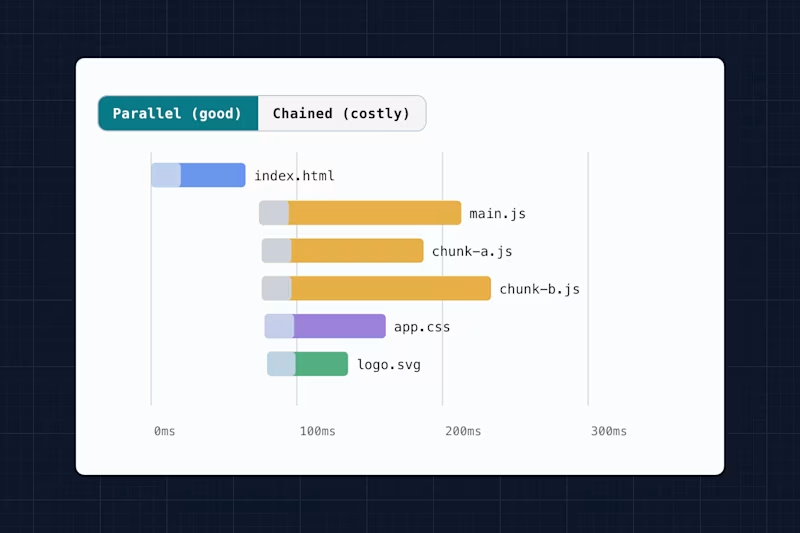
If you're intimidated by the Chrome DevTools performance tool, you'll dig this one. Joan put together a nice explainer about all the details you need to know!
The wonderful creepy weird web – cookie-less fingerprinting
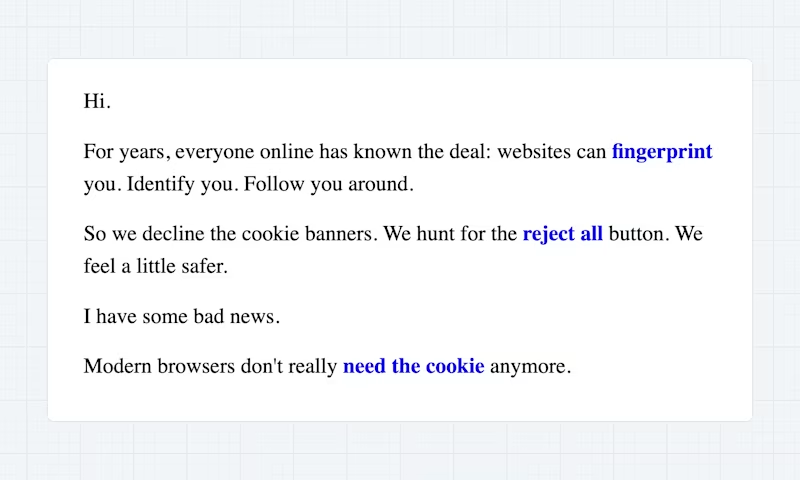
I'd say I was pretty aware of all the possibilities and information my browser shares about me, but it's still wild to see all this data in black and white.
On overflowing images
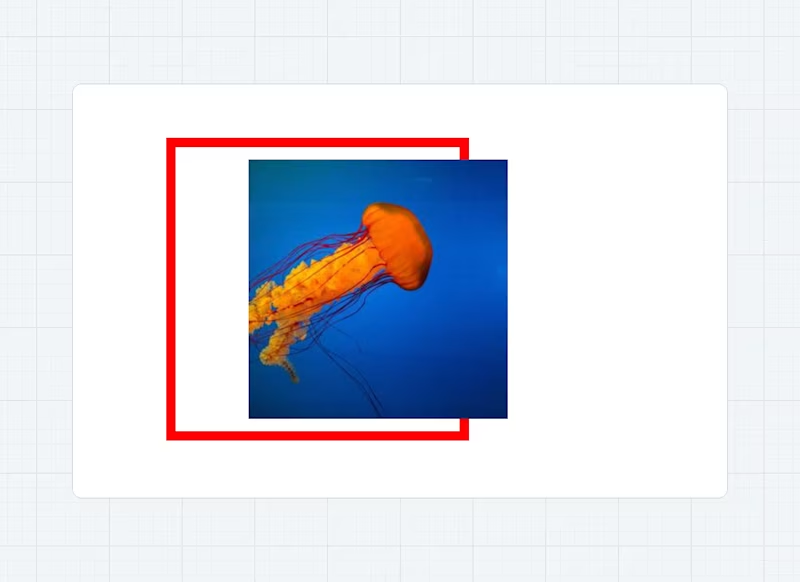
Here's Temani yet again doing Temani things explaining how to tweak and adjust the overflow of individual images using object-fit and object-position.
The
<img>element (the HTML element) is the “container”, and the image resource (the actual image) is loaded inside that “container” and becomes the “content”. We have our container-content relation so we can talk about overflow.
It's a great read to understand img fundamentals.
View transitions block interactions
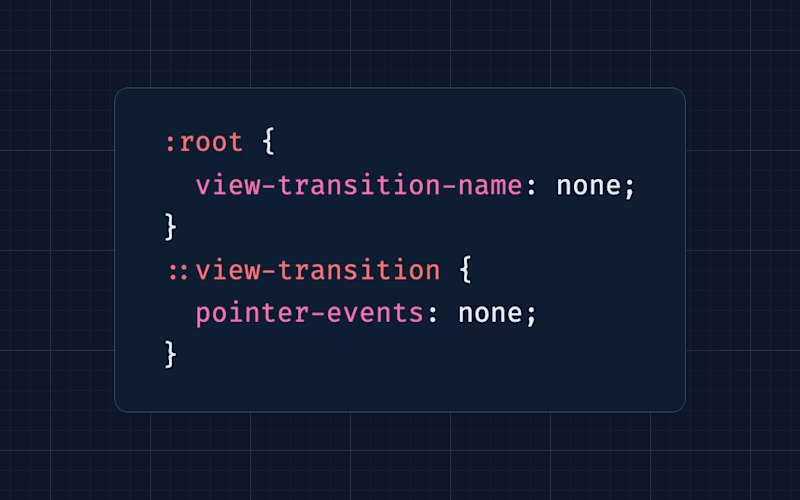
Have you ever noticed that "things become unclickable" when a view transition is running? If you're running long animations, Chris shared what you can do about it.
Gap decorations are rolling out — some links
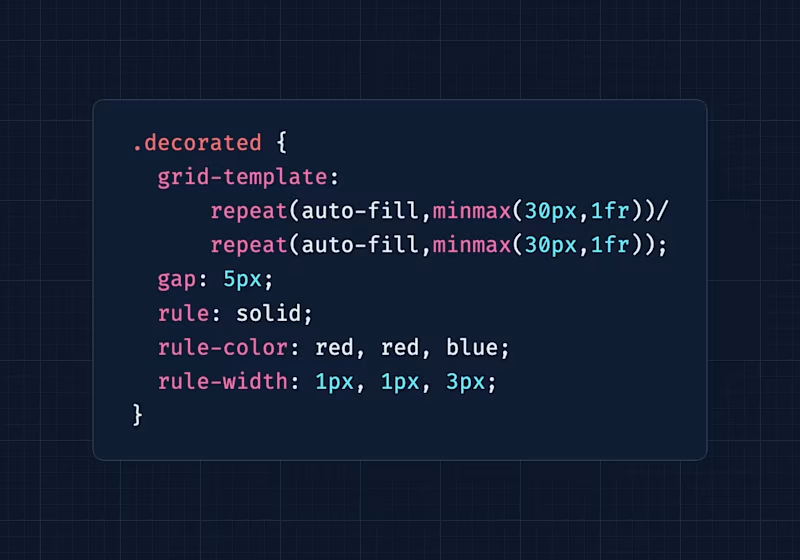
Since releasing the Web Weekly redesign, I've been waiting for CSS gap decorations to ship across browsers, because the design includes plenty of borders, and styling everything across viewports caused a mild headache.
CSS gap decorations are shipping in Chromium already. If you want to dive deeper, here are some links.
- Gap Decorations Are Now Available, Here’s What’s New (to get started)
- Let’s Play With Gap Decorations! (to get very fancy)
Visual design rules
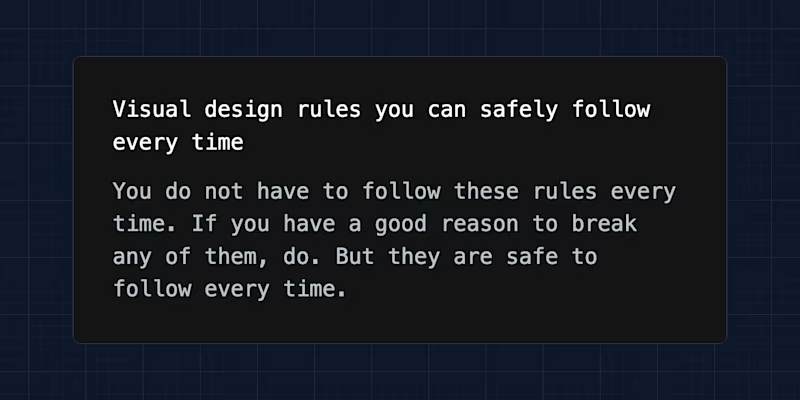
I'm pretty sure I read this post years ago (seems to have been extended since) and I'm still following some of the rules. These easy-to-remember rules will help you out if you don't have an eye for design.
Random MDN – inert
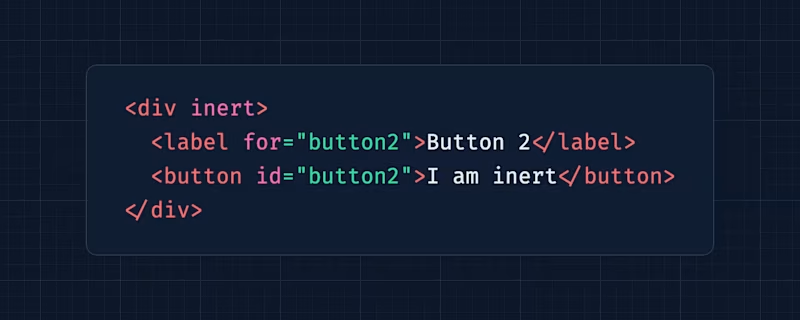
From the unlimited MDN knowledge archive...
If you're dealing with elements that shouldn't be accessible or reachable at all, the HTML inert attribute helps out!
TIL recap – @keyframe animations in the CSS cascade
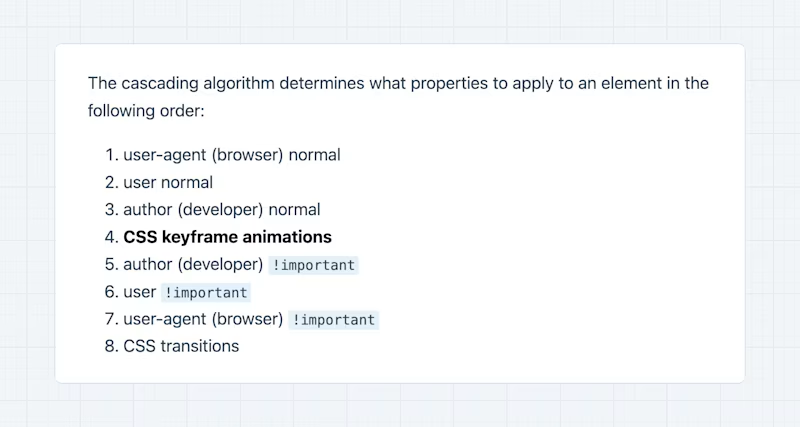
Did you know that keyframe animations have a special place in the CSS cascade? No? Then this post is for you!
Find more short web development learnings in my "Today I learned" section.
New on the baseline
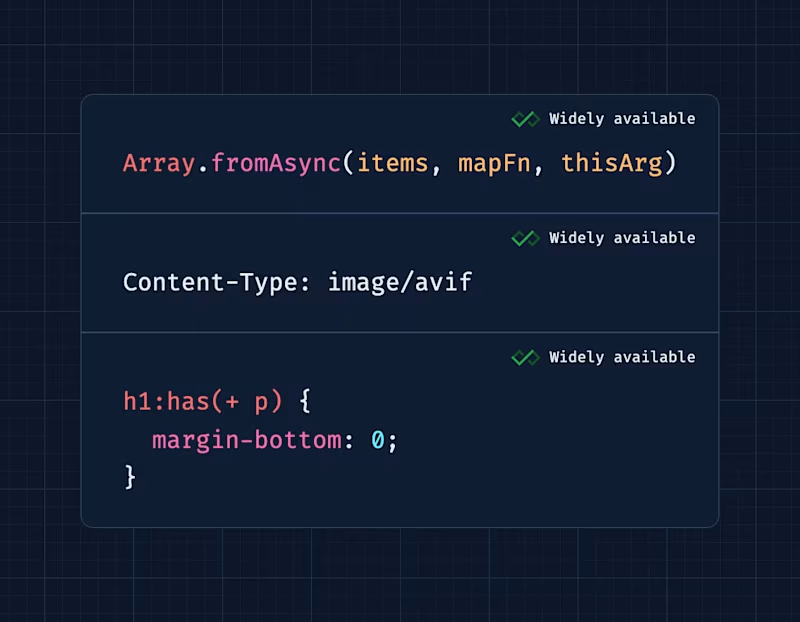
There doesn't seem to be a new feature that recently went on the baseline, so let me share three things that just went baseline widely available! 🎉
I might be getting old, but it still feels like these features landed yesterday.
Three valuable projects to have a look at
- overflowy/make-look-scanned – Makes PDFs look scanned.
- nubjs/nub – The fast all-in-one Node.js toolkit.
- terminal-image – Display images in the terminal.
A new Tiny Helper
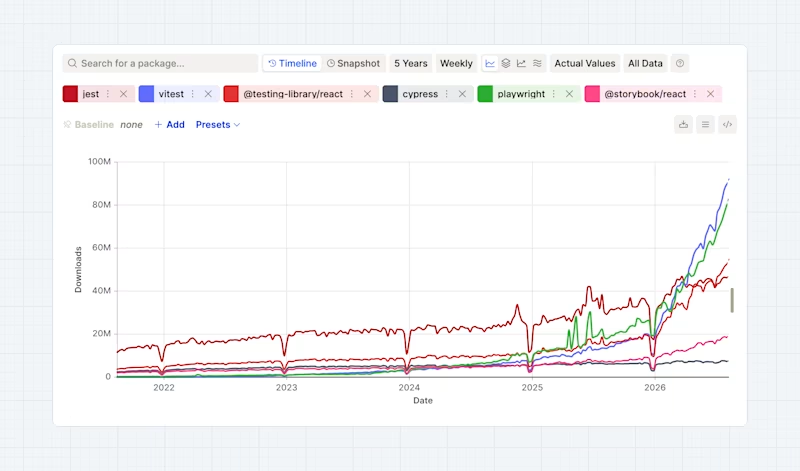
The folks behind the TanStack software factory released another tool to compare npm download stats. It's not the first site that does this, but it has some more config options if you want to dive deeper.
Find more single-purpose online tools on tiny-helpers.dev.
Thought of the week
As I'm turning 41 this week, I feel every word of this post. Keeping friendships alive often becomes hard work and "friends for life" can quickly become "people I used to know" if you're not careful.
Adult friendship became one of the most emotionally significant and least discussed losses of modern life.
Did you learn something from this issue?
❤️ If so, join 56 other Web Weekly supporters and give back with a small monthly donation on Patreon or GitHub Sponsors.
This is all, friends!
Loved this email? Hated this email? I want to hear about it!
If you think something needs improvement or something sparked some joy, reply to this email because I want to know more!
And with that, take care of yourself - mentally, physically, and emotionally.
I'll see you next week! 👋
Join 6.5k+ developers and